
Billing & plans
Snippath charges one flat fee per workspace per month — no per-user math. Only Admins see the Billing page.
Plans at a glance
- Free — 2 users, up to 25 active issues. Equipment, locations, QR reporting, the public report form, and push notifications included.
- Starter ($19/mo) — 10 users, unlimited issues, plus parts inventory.
- Pro ($49/mo) — unlimited users, plus recurring tasks and checklists.
- Business ($99/mo) — everything in Pro, plus Slack/Teams integrations and custom branding (below). Business isn't in the self-serve plan picker yet — get in touch if you want it.
Upgrading
Sidebar → Billing, pick a plan, and you're taken to Stripe Checkout (promo codes accepted). Once payment succeeds, the plan activates within a few seconds of Stripe confirming it. Upgrades and downgrades are prorated to the day — you only pay the difference.
Managing, downgrading, cancelling
Once you have a subscription, Manage billing opens the Stripe customer portal, where you update the card, view past invoices, switch plans, and cancel. When a subscription ends, the workspace returns to Free: all data stays — issues, equipment, parts, history — but Free's caps apply again and plan-gated modules show an upgrade prompt instead of their content (nothing is deleted). If a payment fails, the Billing page shows the subscription's status; a subscription that lapses drops the workspace to Free the same way.
Custom branding (Business)
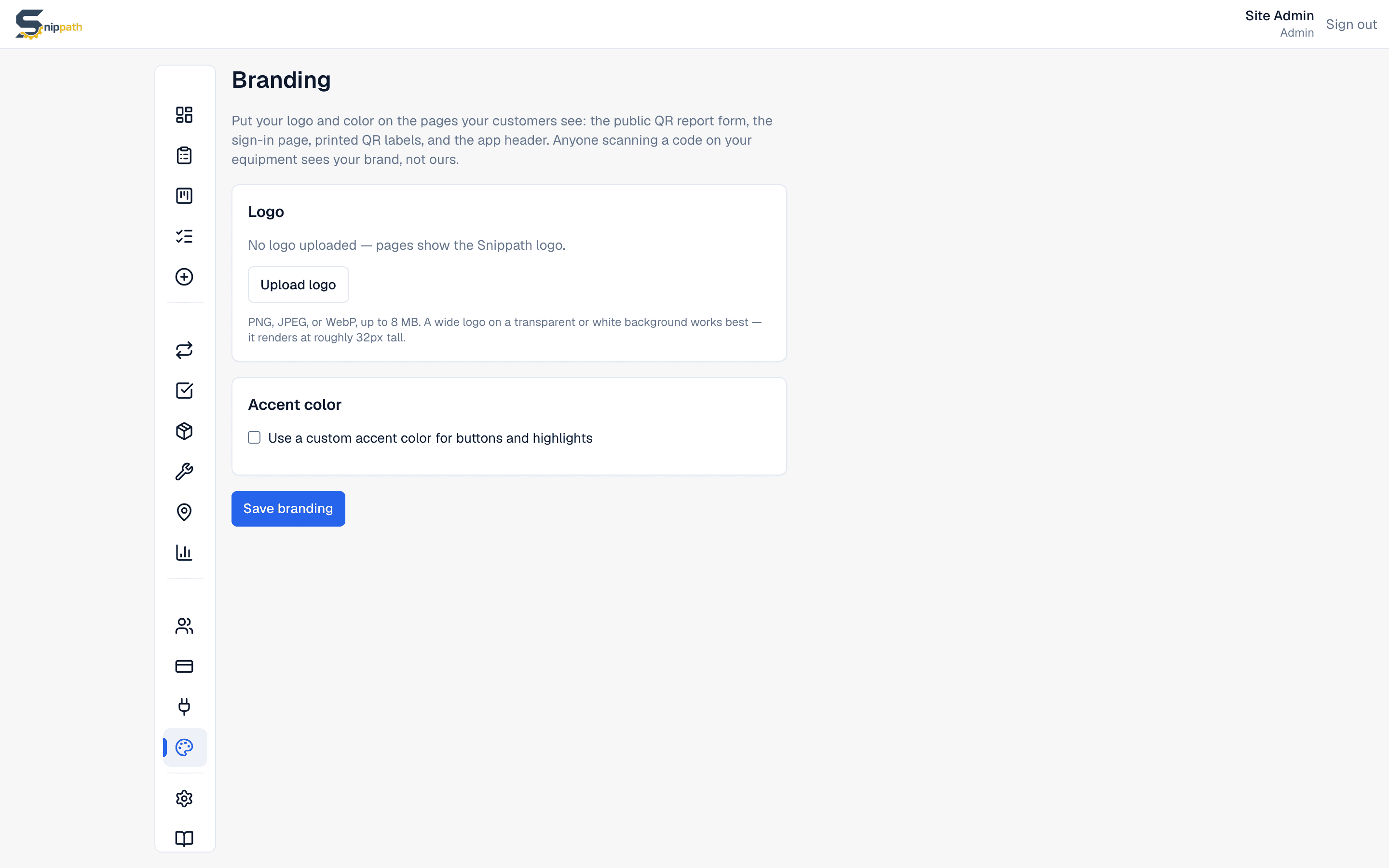
On Business, Admins get a Brandingpage in the sidebar: upload a logo (PNG, JPEG, or WebP up to 8 MB) and optionally set an accent color. Both appear on the pages outsiders see — the public QR report form, the sign-in page, and printed QR labels — plus your own app header. Anyone scanning a code on your equipment sees your brand, not ours.
Why the iOS app doesn't have billing in it
Apple takes 30% of payments made inside iOS apps, so Snippath keeps billing on the web. In the iOS app, the Billing page shows your current plan and renewal date only — to change plans, sign in to your workspace from any browser.