
Working on a ticket
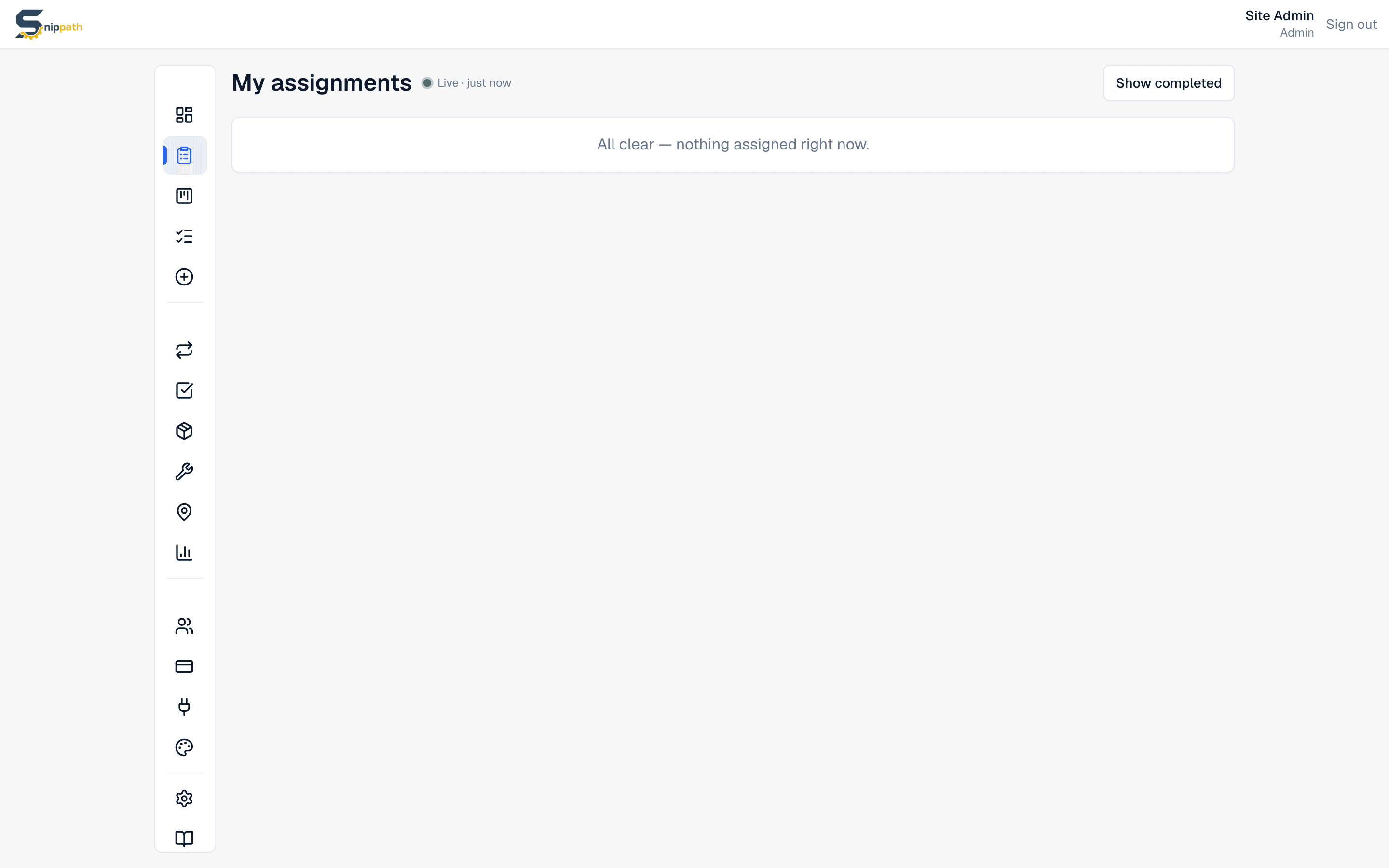
Tickets assigned to you live on My assignmentsin the sidebar, sorted urgent-first. This page walks the day-of-the-job flow: starting work, logging what you did, and closing out. Status changes can be made by the ticket's assignee or by any Manager/Admin.
Starting work
Open the ticket and hit Start work in the Update statuscard. That moves it to In progress, which tells the Manager you're on it and stamps the started time used by reports.
Updating as you go
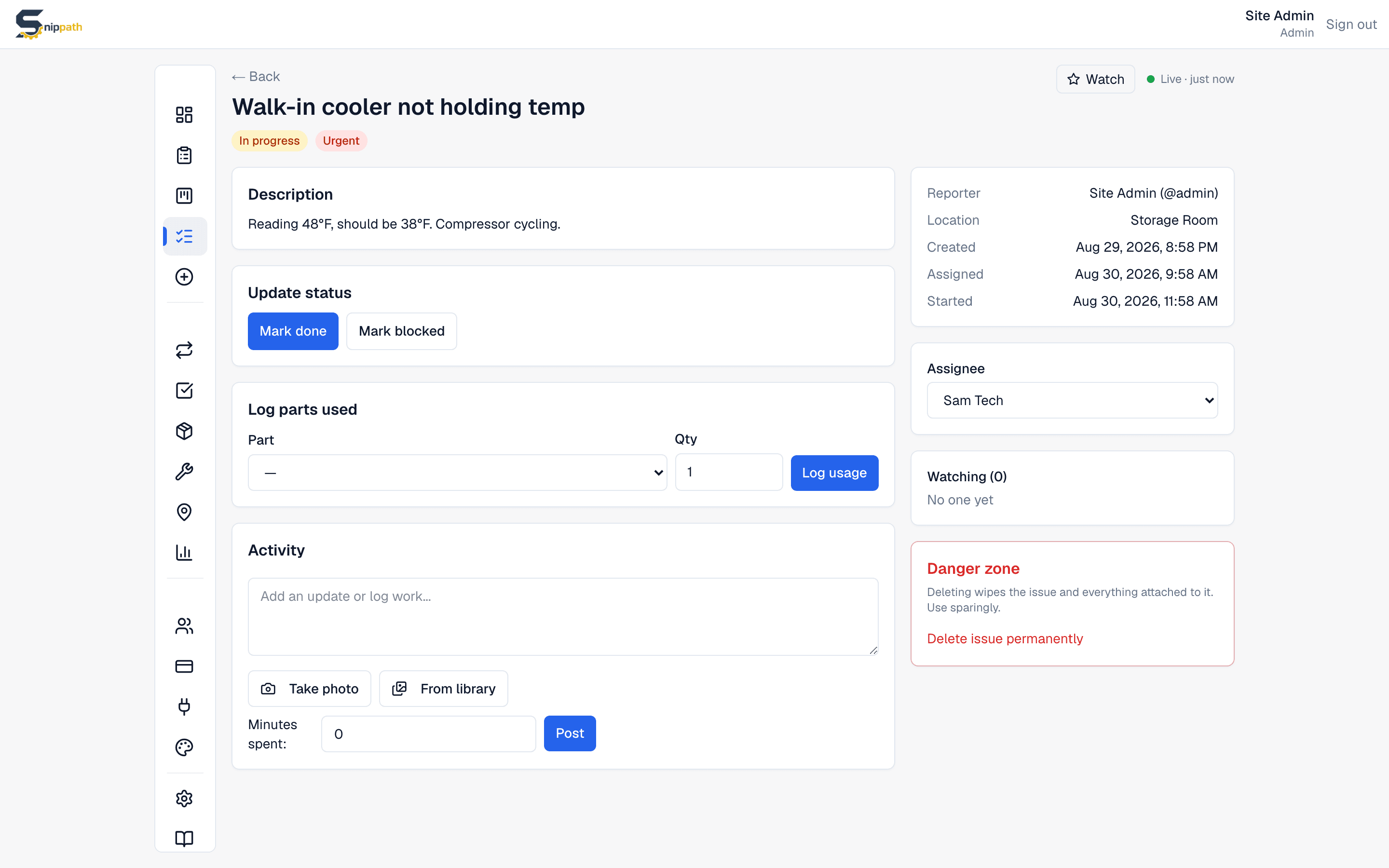
- Comments — the Activity section at the bottom. Write the update, optionally set Minutes spent to log it as work time, and attach photos with Take photo / From library(several at once, remove any thumbnail before posting). Posting photos with no text is fine — the timeline shows "Added N photos".
- Work timer Pro+ — on Pro and Business plans, a ▶ Start timer button sits above the comment box. Start it when you begin, stop it when you finish (with an optional note), and the elapsed time logs automatically as work time. The timer follows you across devices — start on your phone at the equipment, stop at the desk — and Discard abandons it without logging. Manual Minutes spent entry works on every plan either way.
- Log parts used — if the Parts module is on, pick the part and quantity. Stock decrements automatically. Log parts when you grab them, not at the end of the job.
- Checklist — if the ticket has one, tick items off as you complete them.
If you're stuck
Hit Mark blockedwhen you can't progress without something external — a part on order, a vendor, an approval. Snippath asks for a short note (at least a few words) saying what's blocking; the Manager sees it and can chase. When the blocker clears, hit Resume — that asks for a note too, so the record shows what changed.
Closing out
When the work is genuinely done — tested and cleaned up — hit Mark done. Leave a one-line comment of what you actually did ("Replaced contactor C2 in unit 3, tested cycle, all good") for whoever reads the ticket in six months.
If the ticket turns out to be invalid — duplicate, not actually broken, fixed itself — a Manager can Cancelit (with a note) instead. Cancelled tickets stay on record but don't count as completed work.
Reassigning and reopening
Techs can't reassign their own tickets — comment on the ticket explaining why you can't take it (everyone watching the ticket gets a push), or flag it to your Manager directly. Done tickets can be Reopenedback to In progress by the assignee or a Manager if the fix didn't hold; the reopen note and the full status history stay in the Activity timeline.