
QR-code reporting
QR-code maintenance reporting
Print a QR code for any asset. When someone scans it, a pre-filled report form opens instantly — no login, no app install — and a work order lands in your triage queue already linked to the right equipment. It's the fastest way to capture issues at the moment they're spotted, and it's included on every plan.
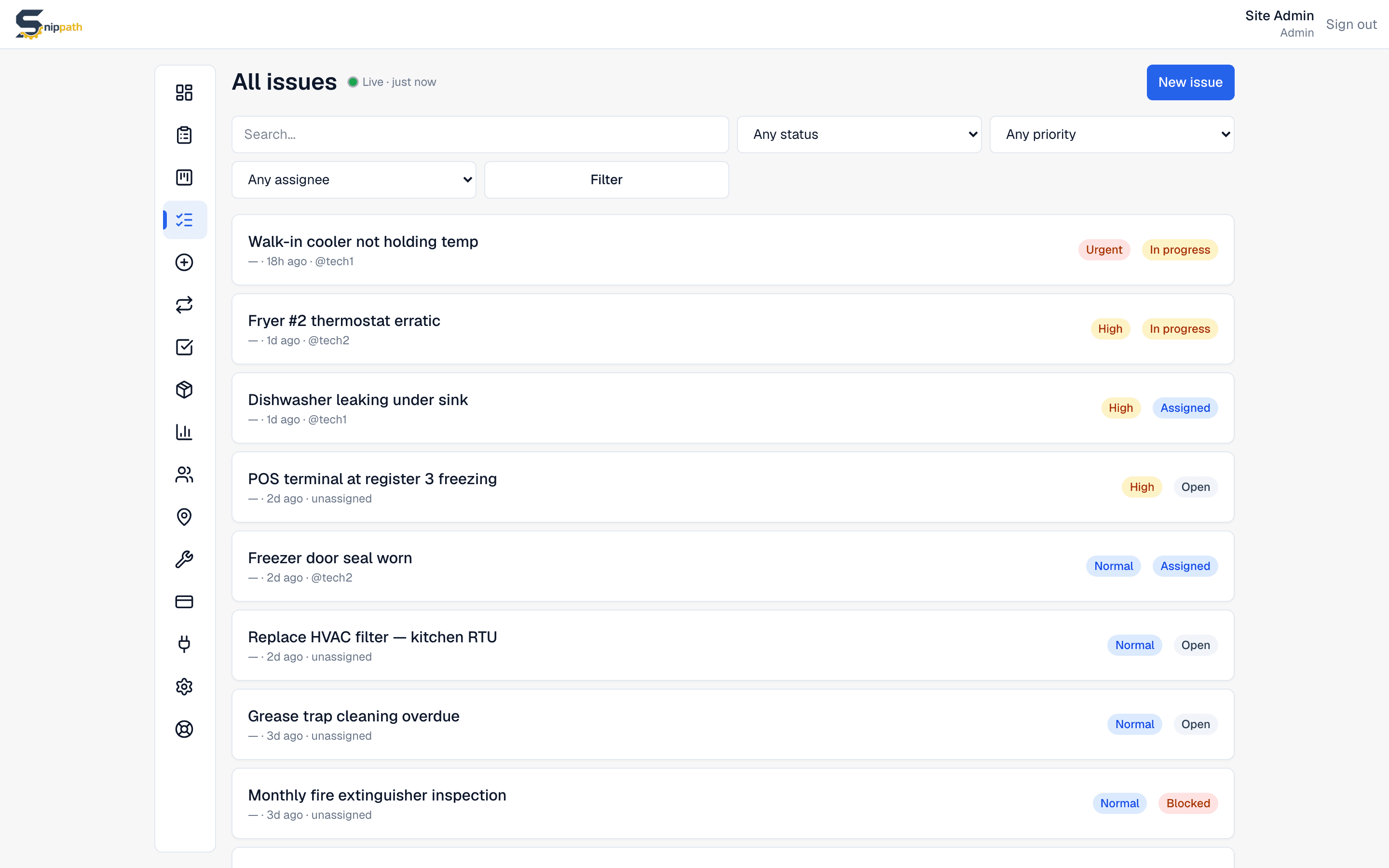
How it works, end to end
Every asset in Snippath gets a unique QR code. Print a whole sheet of stickers on label paper (Avery 5160 or similar), or print a single label from the equipment list, the asset's detail page, or right after registering a new machine — add it, print, stick it on. Each code links to your workspace's public report form with that asset pre-selected, so the sticker on the treadmill only ever reports about the treadmill.
No login, no app, no friction
The person who spots the problem points their phone camera at the sticker; their browser opens the form. They type a short description, optionally snap a photo, leave their name and contact, and tap Submit. That's the entire flow — no account, no download, no password reset for someone who reports one issue a year. The form is rate-limited to keep abuse out, and reports land as unassigned, medium-priority work orders for a manager to triage.
Reports arrive already sorted
Because each code is tied to a specific asset, every scan-to-report comes in pre-linked to the right equipment and its location. The technician opens the ticket knowing exactly which machine, where, with the reporter's photo and description attached — no "which fryer did they mean?" round-trips. And the report automatically joins that asset's history, feeding its lifetime cost and repair record.
From scan to fixed
Scanned reports appear in the Open column of the manager's kanban board like any other work order. The manager drags one onto a tech, the tech's phone gets a push notification, and the job proceeds with comments, photos, parts, and time logged. A gym member reporting a frayed cable at 6 am and the tech tightening it by 9 involves no phone tag, no sticky notes, and no front-desk relay.
One honest gap: closing the loop with the reporter
The reporter's contact info is stored and shown to your staff on the ticket, but Snippath doesn't yet automatically notify the reporter when their issue is fixed — today that follow-up is a manual email or a word in passing. Automatic "your report was resolved" notifications are on our roadmap because customers have asked for exactly this. Until it ships, plan on closing the loop yourself for reports where it matters.
Who this is for
QR reporting shines anywhere the people who notice problems aren't the people with logins: gyms and fitness studios, property managers with tenants, restaurants with front-of-house staff, schools, self-storage sites, and workshops with shared machines. The economics work because Snippath doesn't charge per user — reporters aren't users at all, and your actual team pays one flat workspace price regardless of headcount.
Frequently asked questions
- How does QR-code maintenance reporting work?
- You print a QR sticker tied to a specific asset and place it on the equipment. Scanning it with any phone camera opens a public report form with that asset pre-selected; the reporter adds a description, an optional photo, and their name, and submitting creates a work order in your triage queue — already linked to the right machine. No login required.
- Do people need an account or app to scan and report?
- No. The QR code opens a normal web page in the phone's browser — Safari, Chrome, whatever scanned it. There's nothing to install and no account to create, which is the point: occasional reporters like tenants, members, or guests will actually use it. The form is rate-limited to prevent spam.
- Is QR reporting available on the free plan?
- Yes. QR-code generation, printing, and public scan-to-report are core Snippath features included from the free tier (2 users, 25 active work orders, no time limit). Some per-seat competitors gate QR work-order creation behind higher tiers; here it's standard on every plan because it's how most issues should arrive.
- How do I print the QR labels?
- Three ways: print a bulk sheet for many assets at once from the Equipment page (sized for standard label paper like Avery 5160), print a single label from any row of the equipment list or from the asset's detail page, or print immediately after registering new equipment — add the machine, print its label, stick it on before you walk away.
- Does the person who reported the issue get notified when it's fixed?
- Not automatically — yet. The reporter's contact details are saved on the work order and visible to your team, but Snippath doesn't currently send them a resolution notification, so closing the loop is manual today. Automatic reporter notifications are on our roadmap; we'd rather tell you that plainly than imply it works now.
- What happens after someone scans and submits a report?
- The report becomes a work order in the Open column of your kanban board, unassigned and at medium priority, pre-linked to the scanned asset with the reporter's description, photo, and name attached. A manager triages it — sets priority, assigns a technician — and the tech gets a push notification on their phone.
Related
More features
See it for your industry
Snippath is a flat-rate CMMS — work orders, preventive maintenance, parts, and QR-code reporting, one fee per workspace. Free for 2 users.